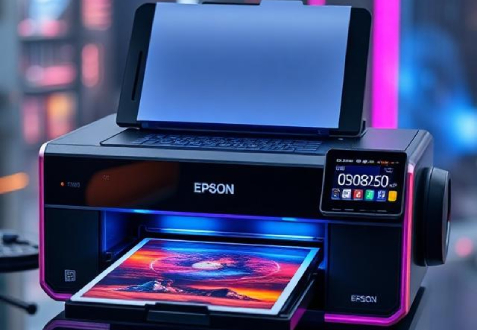
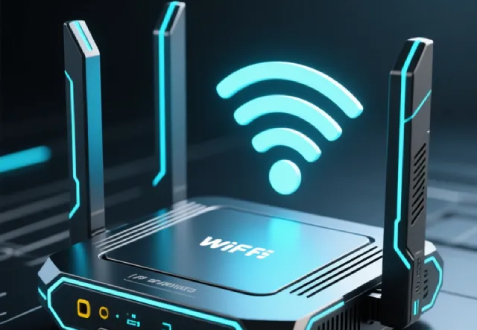
Epson L3250 Printer WIFI Setup
Epson L3250 Wi-Fi Setup
On the printer, go to Settings > Network Settings > Wi-Fi Setup > Wi-Fi Setup Wizard.
Select your Wi-Fi network and enter the password.
Wait for the Wi-Fi light to turn solid — connection successful.
Install Epson Smart Panel (or the printer driver) on your device and connect to the printer over Wi-Fi.
Read more